Laravel the right way (PART 1) - 10 Laravel meetup
Recently, I have been to the Laravel meetup, and I had the pleasure to talk about good practices and common mistakes that newbies in Laravel make on a daily basis. We also had Guilherme Guitte’s talk, who spoke about how Elasticsearch works.
Laravel the right way
There are a few topics that I have come across over and over during my daily work as a developer using Laravel. This bothers me because some of them are so easy to understand and use that I decided to divide them into a few topics and try to guide developers to better Laravel usage. We will go through Composer packages, directory structures, and the Laravel docs to compose these topics. So let’s dive in.
Models
Laravel is a framework that gives the developer big responsibility. It gives you the ability to freely choose the location of your models. Laravel doesn’t care if you want to place them in the root directory, divide them into subdirectories, or just place them anywhere in the framework. The freedom that we have is huge, and sometimes new developers don’t know how to handle that. (Or if you’re an experienced developer, you may not know what the best place to store the files is.)
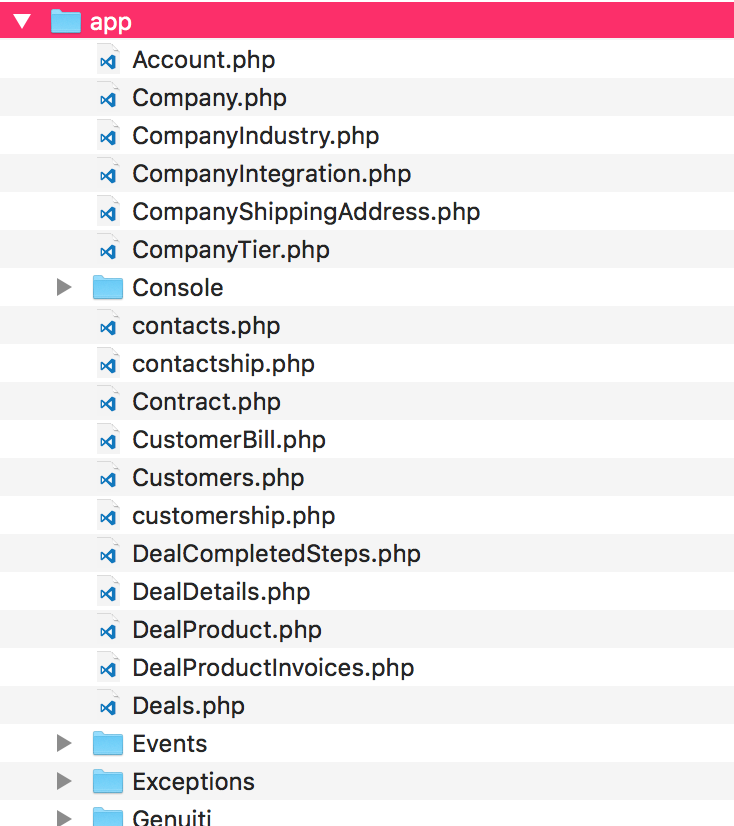
So here, I present what I have found useful in how to handle models, and the solution is simple: store them in a folder called Models.
To keep things even better, you can also create subdirectories inside the Models folder, as long as it makes sense to do so.
Models don’t last forever: repositories to the rescue
This topic is totally apart from Laravel’s framework base, which means that we are going to talk about a package called l5-repository. This package is used with the Laravel framework to make it possible to use the repository pattern.
It queries the data source for the data, maps the data from the data source to a business entity, and persists changes in the business entity to the data source. A repository separates the business logic from the interactions with the underlying data source or Web service.
As our application grows, it is normal to have a lot of files, a lot of classes, and many assets to handle. It is no different with our models. In the MVC pattern, we use models to store the business logic.
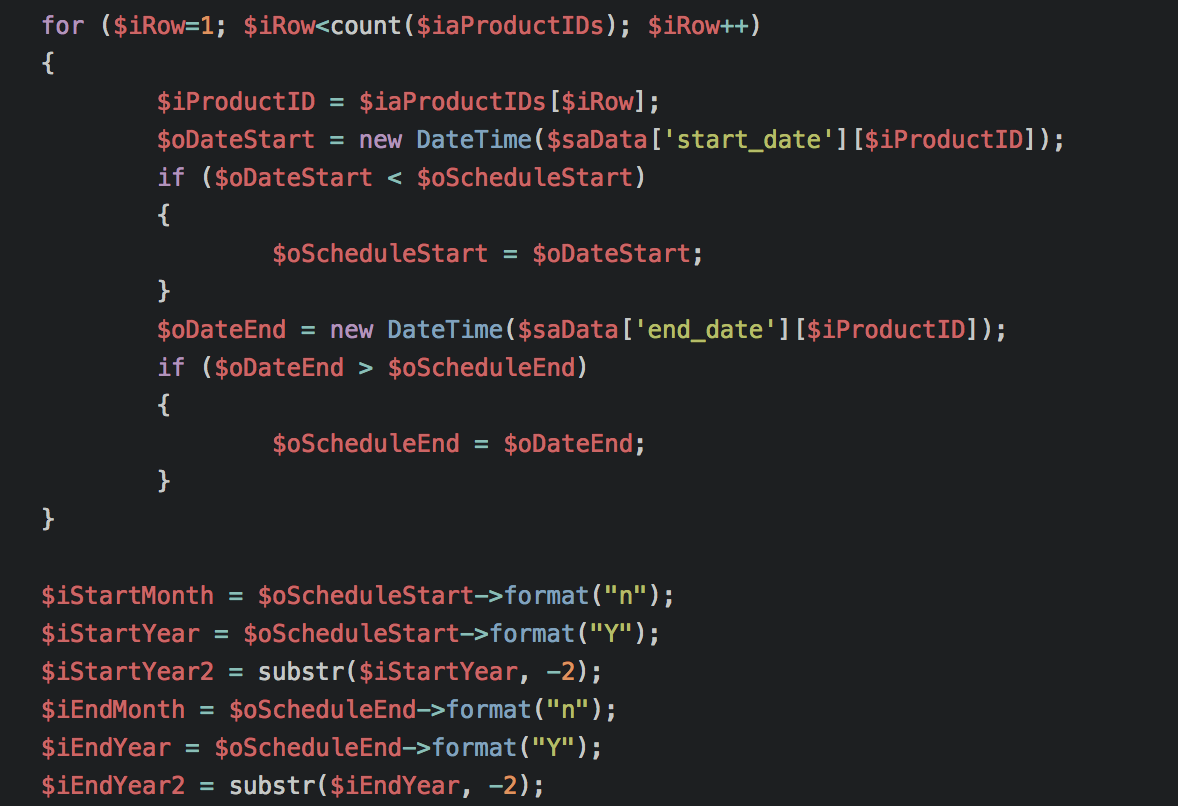
There is nothing to fear when dealing with small applications, but if you have an application that is a little bit bigger, you are going to start having many methods inside a single file. Don’t believe me? Let’s have a look at a real application:
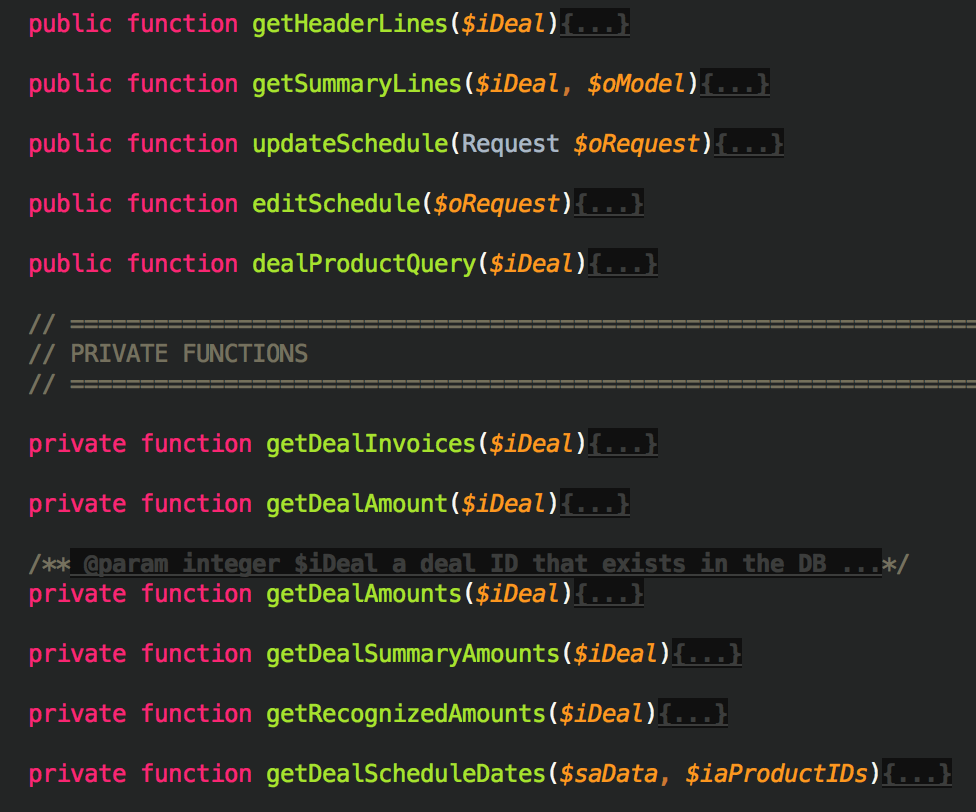
What’s the problem with that? It seems perfect, right? The first problem here is the coupled access to the data in the database. This is tightly tied to the model’s methods. The second problem is that if we need to reuse the code in another method, let’s say only the where clause, it would be impossible.
Besides the persistence layer, we have coupled some business logic into our models, as the figure above shows us. We have at least 8 methods, and by their names, we can see that there are rules behind them.
Service Layer Architecture
MVC presents organizational challenges in larger applications:
- Business logic placement (models vs. controllers)
- File count growth in limited folder structures
- Module organization and boundaries

The service layer pattern addresses these concerns by centralizing business logic outside controllers and models.
The architecture enforces unidirectional dependencies: Controllers depend on Services, Services depend on Models (or Repositories). Services do not depend on Controllers.

This pattern enables business logic reuse across different presentation formats (JSON, XML, HTML). Controllers handle presentation concerns while services contain domain logic, supporting the Single Responsibility Principle (Martin, 2003).
About this post
This post was not assisted by AI. The content was created entirely by a human.